
Generate ANY
Seamless
PBR Material
In Seconds
It takes your idea or a photo and turns it into a PBR material ready for any rendering or game engine. That's how easy it works.
Trusted by 1000+ archviz and interior design studios, game companies, and freelancers worldwide
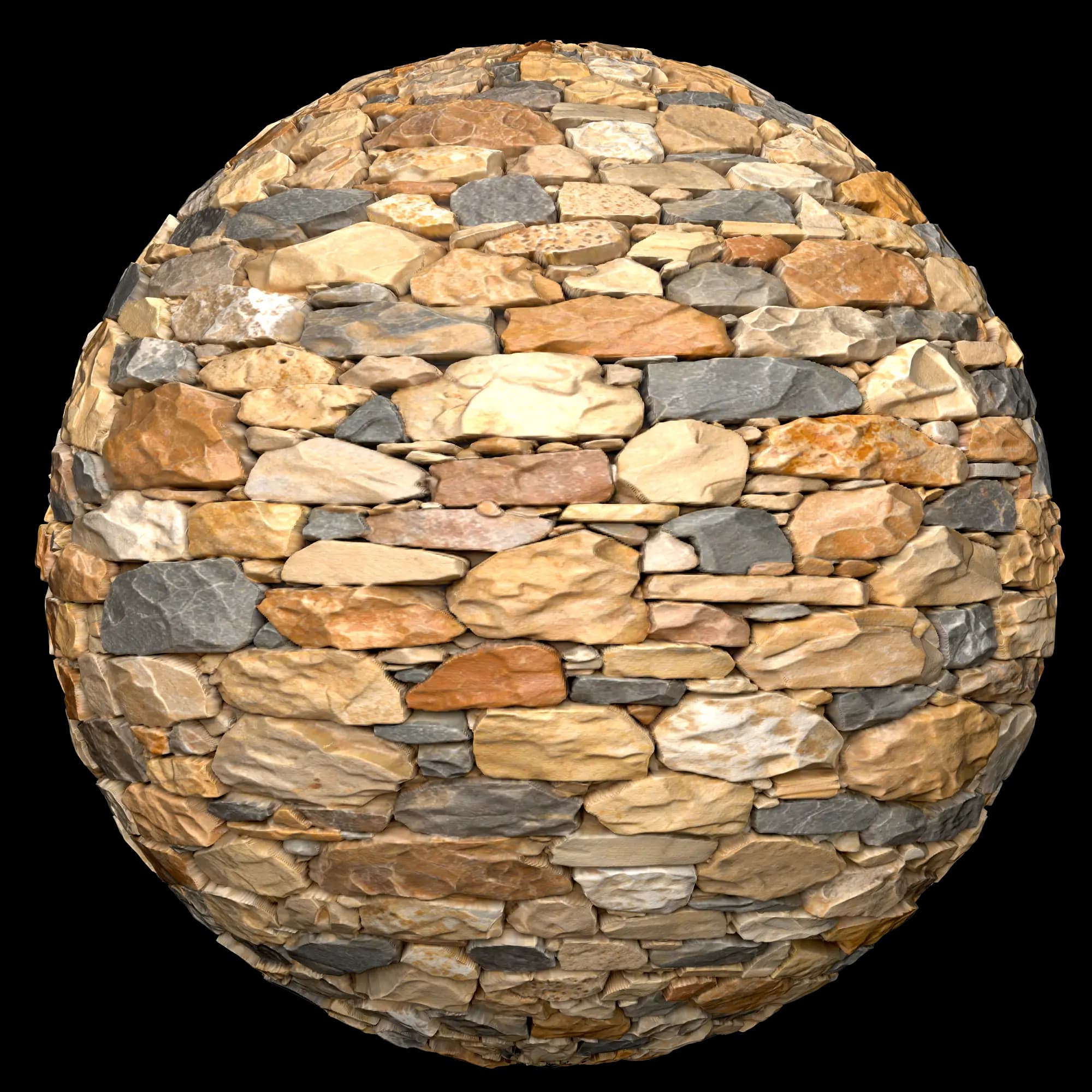
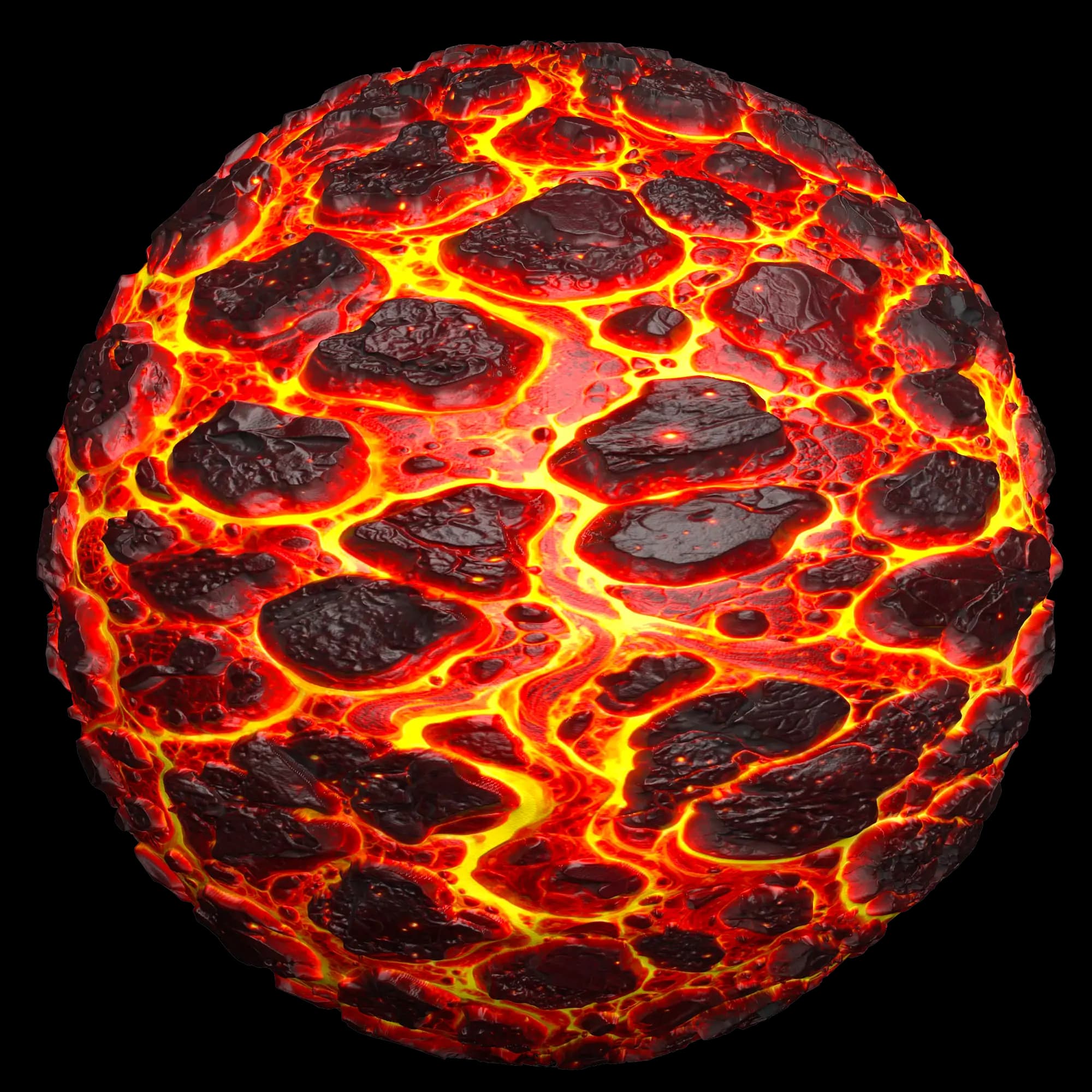
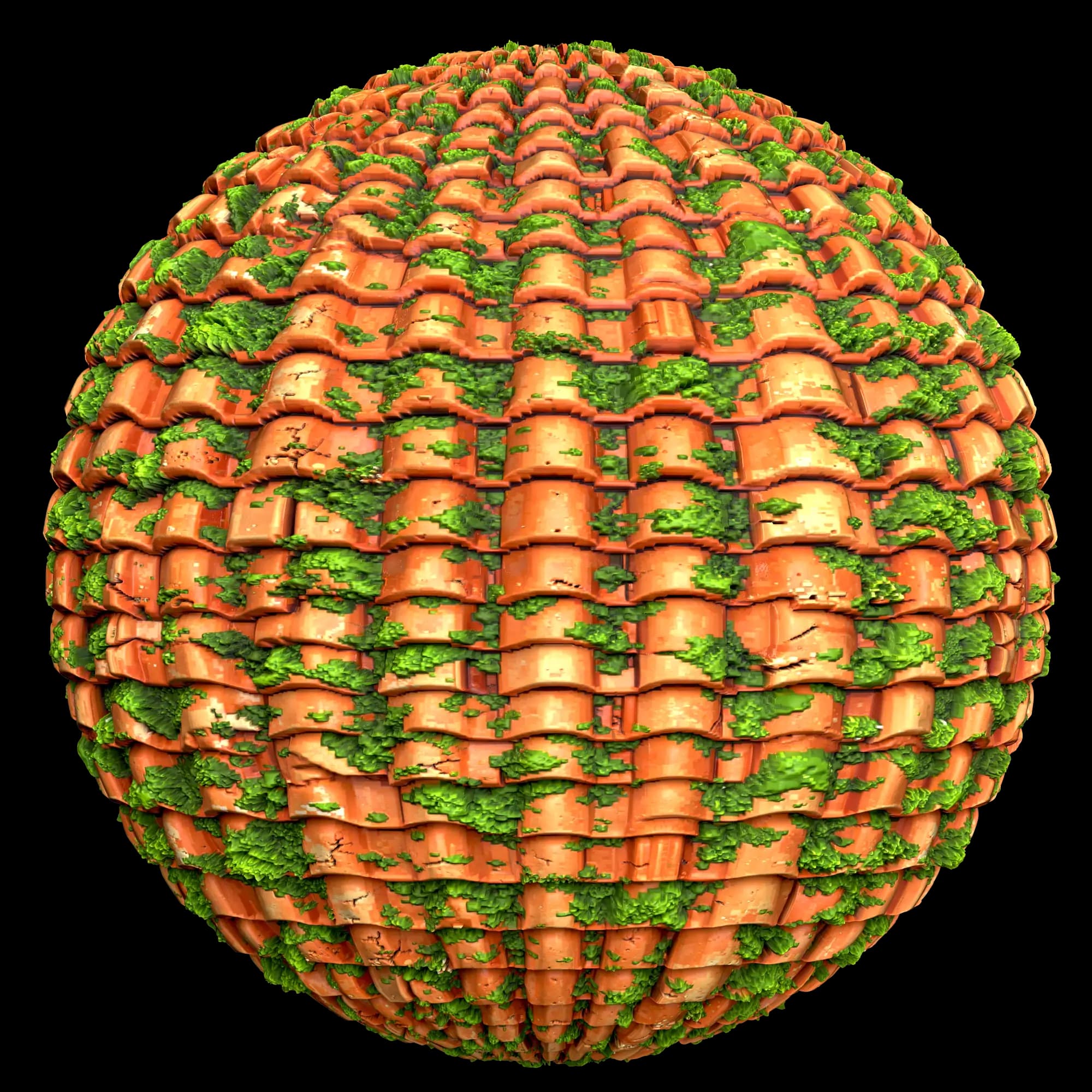



See TexturesFast in action
Watch the material workflow from idea to export-ready PBR maps.
Full PBR materials in seconds,
not hours
Describe any surface or upload a reference photo.TexturesFast generates a complete set of PBR maps ready for any 3D software or game engine.
Swipe to compare
| Comparison point | TexturesFast™ | Substance Designer | Manual Workflow |
|---|---|---|---|
Time to create a full PBR material | ~50sec | Hours to days per material | Hours across multiple tools |
Learning curve | Type a prompt, click generate | Steep: node-based procedural system | Moderate: multiple tools to learn |
PBR maps output | All 6 maps at once (Color, Normal, Height, Roughness, Metallic, AO) | All maps, but each requires manual node setup | Each map created separately with different tools |
Seamless tiling | Automatic: horizontal, vertical, or both | Built-in, but requires manual configuration | Manual offset, clone stamp, and seam fixing |
Workflow | Prompt → Generate → Download ZIP | Build node graph → Tweak parameters → Export | Paint texture → Generate maps separately → Fix seams → Export |
Resolution | Up to 8K | Flexible, resolution-independent | Limited by source material quality |
Map consistency | AI ensures all maps match the same surface | Consistent if node graph is well-built | Difficult: each map made separately |
Best for | Rapid PBR material creation and prototyping | Fully custom procedural materials with precise control | One-off textures with specific artistic vision |
Bulk material creation | Generate dozens of variations in minutes | Slow: each variation needs graph tweaking | Very slow: manual work per material |
Required expertise | Beginner friendly, just describe the material | Advanced: procedural thinking required | Intermediate: texture art fundamentals |
Frequently Asked Questions
Choose one of three workflows: Text to Material, Extract Material, or Image to Maps. Enter a prompt and, when needed, upload a reference photo or source texture. Then select resolution, PBR maps, output format, and generation settings. TexturesFast uses AI to create seamless PBR materials you can preview and export for Unity, Unreal, Blender, Godot, and other PBR workflows.
Read full answerReady to Generate
PBR Materials Fast?
Join interior design and game studios, freelancers and indie devs generating seamless PBR materials in seconds.